
Cursor 的第一处改动:从规则到验证
很多人第一次用 Cursor,会让 Agent 直接“把这个...
很多人第一次用 Cursor,会让 Agent 直接“把这个...
Lee Robinson 的 "Recursive Mode...

Cursor正式推出iOS原生应用,开发者可通过手机远程连接并操控电脑端正在运行的Cursor Agent,随时查看代码生成进度、处理报错信息、审核改动内容,还能直接在手机上留言追加指令或合并PR。iOS版同步开放Composer 2.5编程功能体验,即日起至7月5日限时享最高75%折扣。

每隔一段时间就会有人在群里问:现在写代码到底用 Trae 还...
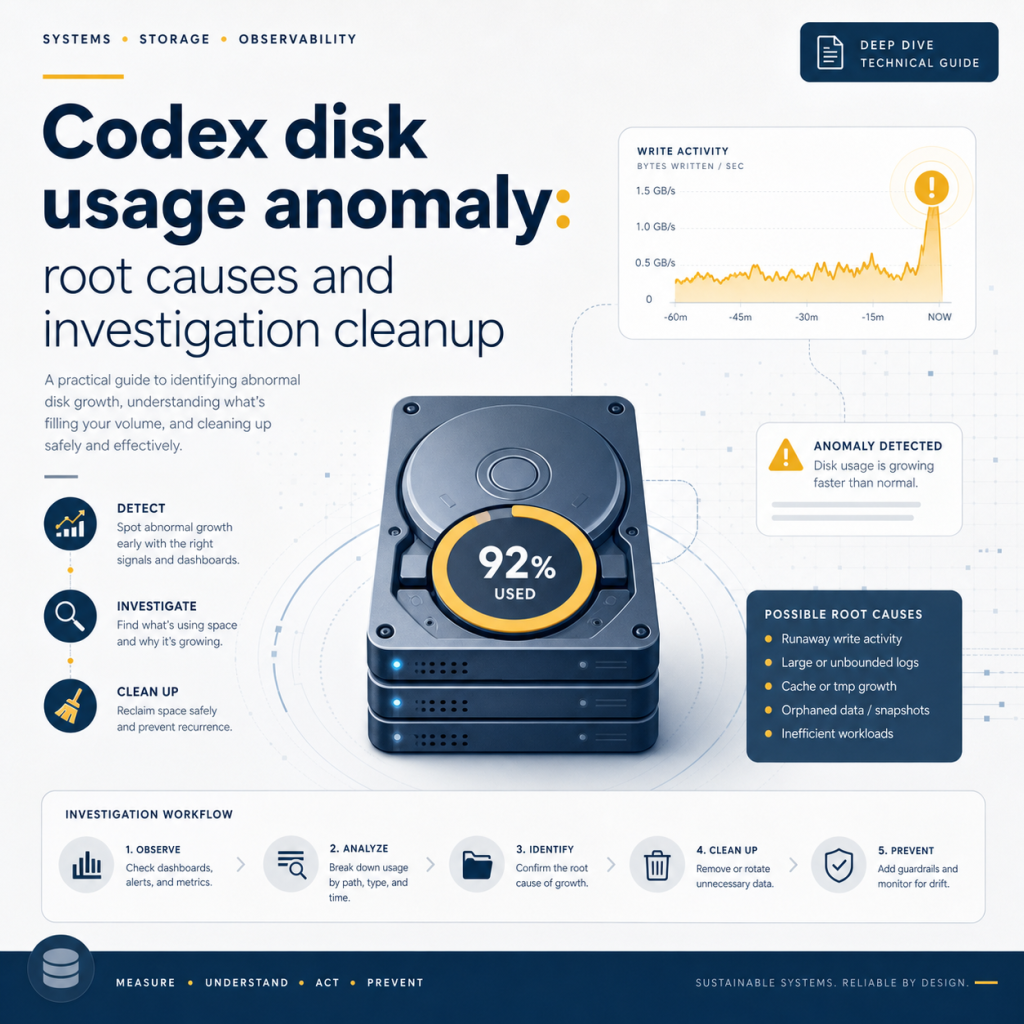
"Codex 会把磁盘给烧了吗?" 这句听上去夸张的吐槽,背...
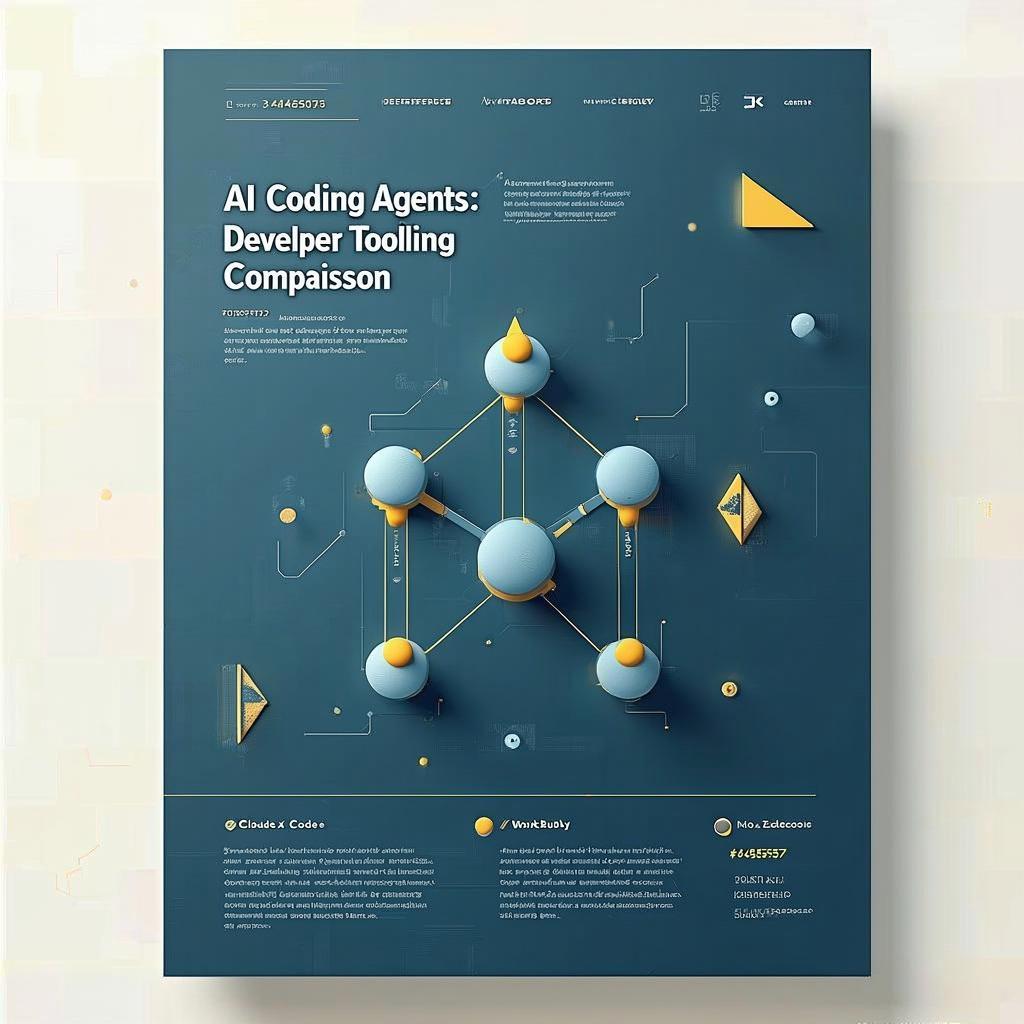
写这篇之前,我先把过去半年在自己机器上跑过的 AI 编程 A...

把 Codex CLI 与 Cursor 的套餐拆开看: 每月多少钱、能跑多少请求、Agent 模式怎么算额度、谁更适合长任务谁更适合 IDE 内联编辑, 给出一份给真实开发者的选型清单。 最近半年, 选 Codex CLI 还是选 Cursor 这件事在工程师群里基本天天有人问。一边是 OpenAI 把 Codex

一位资深开发者在技术社区 Linux.do 发布深度测评,对比了 Cursor、Copilot、Wi...

据Linux.do社区用户反馈,Cursor的学生优惠账户在...
随着AI编程工具Cursor的普及,开发者将99%的编码工作...

一位开发者在使用 AI 辅助编程工具时发现,OpenAI C...

Moor 是一款仅 6MB 的开源本地网关工具,旨在解决开发...