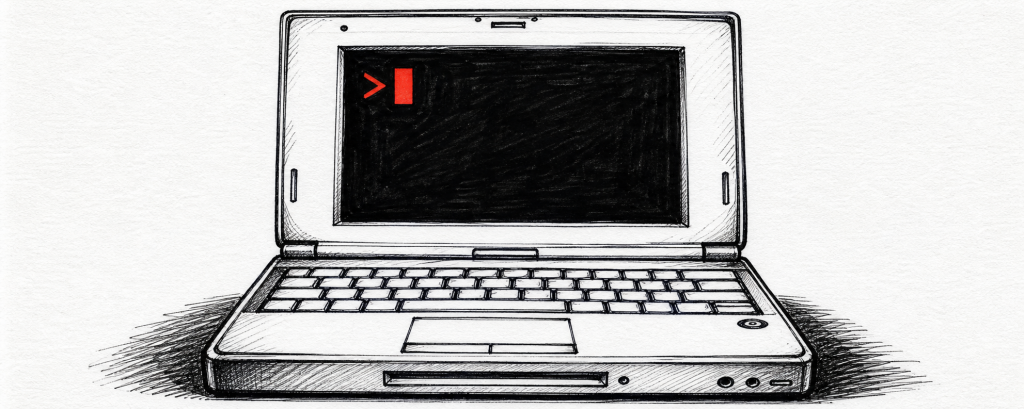
This article provides practical performance optimization solutions for macOS users of the Google Antigravity application. Addressing potential lag issues that may occur with the app on macOS, the author shares two optimization methods: first, by entering specific commands in Terminal to disable GPU driver error fixes and enable GPU rasterization; second, by using Automator to create a custom application that encapsulates the optimization commands into a convenient app. Both methods can effectively improve the smoothness of Google Antigravity on macOS, making them particularly suitable for users experiencing performance issues. The article details the operational steps, from entering terminal commands to creating and saving Automator workflows, providing tech enthusiasts with a practical system optimization guide.
Original Link:Linux.do







评论前必须登录!
立即登录 注册